

How to play
You start with an empty lot and a little money. The rest is up to you: what you build, who moves in, and whether the elevators can carry everyone you invite.
B1
Rooms
Floor 1 is the ground floor. It holds the lobby, and every tower needs one. Above it, floors go from 2 up to 100. Below it there are ten floors underground, from B1 down to B10. There is no floor 0.
The lot is 375 tiles wide. Each room is a set number of tiles wide and one or more floors tall. It grows up from the floor you put it on, even underground.
A floor is only there where you have built something. There is no empty floor waiting for you: your tower is just the rooms and elevators you paid for.
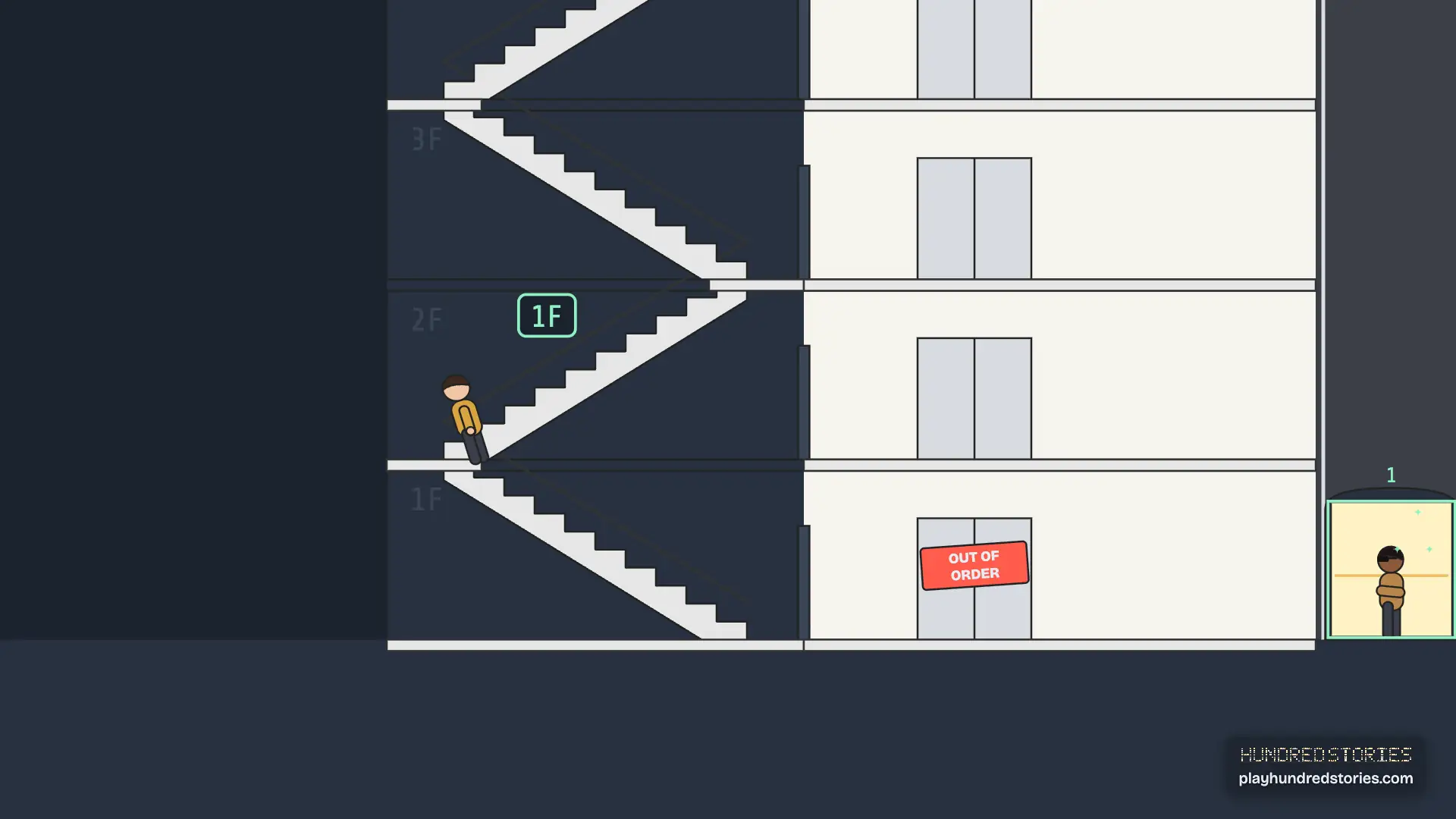
Stairs and escalators are two floors tall and join a floor to the one above it. Stairs and escalators can go down one level, to B1. An elevator shaft runs straight up through every floor it serves. You can put stairs, escalators and elevators over rooms you already built, and build rooms over them. An elevator cannot share tiles with stairs, an escalator or another elevator.
B2
Elevators
There are three kinds of elevator: standard, service and express. An express elevator is for long trips. It stops only at the lobby and the sky lobbies, not at every floor. Each elevator covers a set of floors, stops where you tell it to, and has one or more cars.
 0:20
0:20
With no tool in hand, tap an elevator you have built to open it. There you can add cars, up to eight, each cheaper than the shaft, and make it reach higher or lower.
A car keeps going the way it is already going while anyone ahead of it has called it or wants to get off. Then it turns around. A car with nothing to do goes back to its home floor after a while.
You can give each car in an elevator its own job. Pick the floors it covers, so one car serves the hotel above the sky lobby and another stays down with the offices. Then pick who it serves first: Everyone, Hotel guests first, or Office staff first. A car set to Hotel guests first answers its guests before anyone else. Others still ride it when the car is free, so they may wait longer. If other tenants have to ride an elevator on a car kept for someone else, because no Everyone car or car of their own goes where they are going, its card warns you that they will wait longer.
When someone needs to go to another floor, the game sends them to the nearest elevator that stops at both the start and the end of the trip. Each car holds only so many people. A full car goes right past the people waiting, and they have to keep waiting. That is where most of your trouble will start.
B3
Tenants and stress
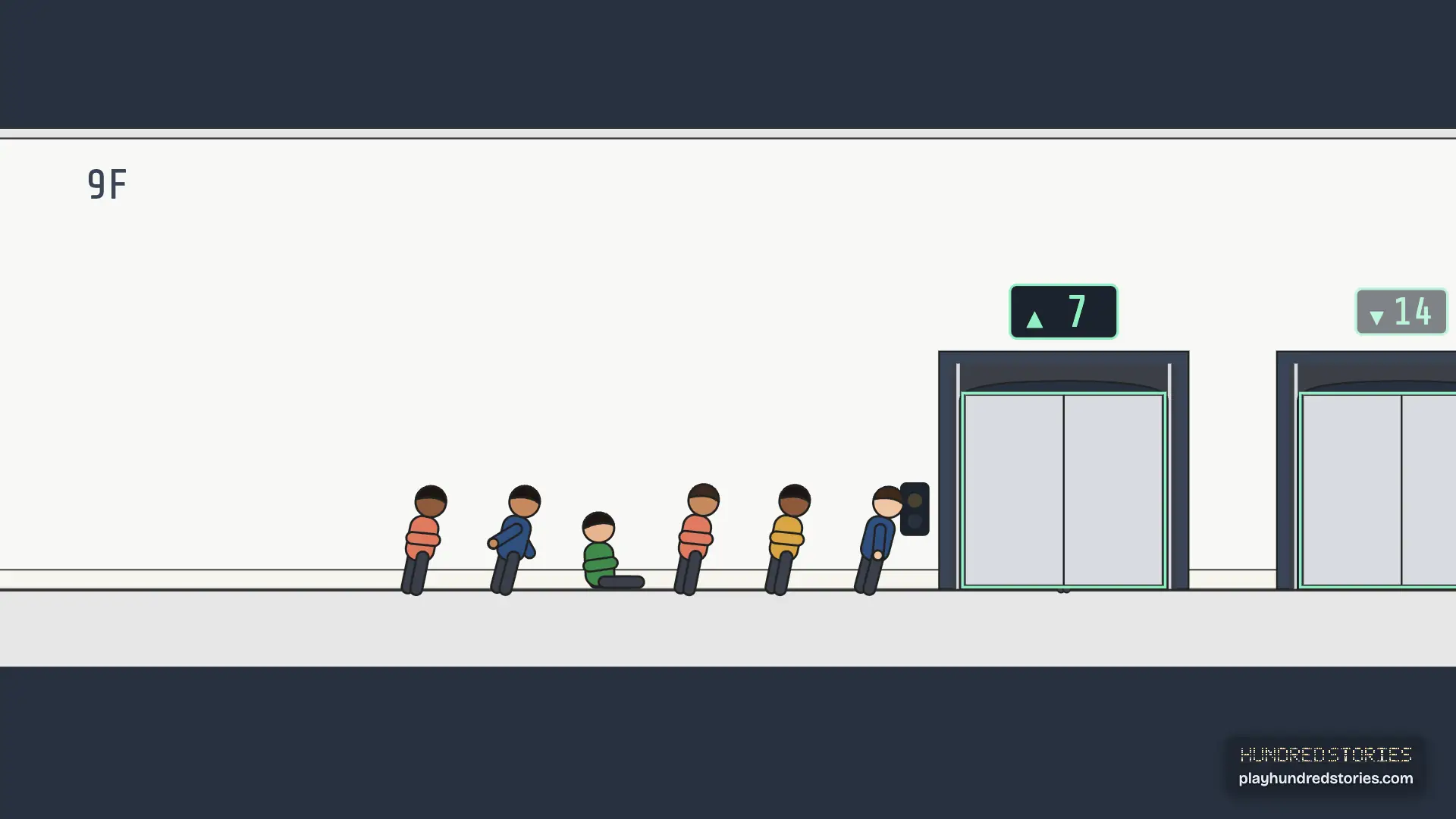
Every person in the tower has a stress level. It goes up for each minute they stand waiting for an elevator, and goes back down once they are settled in a room.
 0:15
0:15
You can see it over their head. A calm person has no mark. A stressed person shows a small pink dot, and someone who has almost run out of patience shows a red exclamation mark. If the wait goes on, they give up on the trip, and Stories says why. If that person was a tenant, their room is marked to move out at the next rating check.
Noise matters too. Offices, condos and hotel rooms want quiet. Fast food, restaurants, shops, cinemas and party halls are noisy. A quiet room's rating drops for every noisy room near it on the same floor, or right above or below it.
A room's rating comes from its tenants' stress, the noise around it, and whether it was left dirty. If a room's rating stays too low for a whole day, the tenants leave and tell you why. An office becomes empty, a condo goes back up for sale, and a hotel room just stays empty until the next guest.
B4
People and their stories
Everyone in the tower has a name and a look of their own, and keeps both when you save. With no tool in hand, tap or click a person to open their card. It shows who they are, what is on their mind, what happened in their day lately, and what would help them.
Choose Follow on the card to keep up with someone. You can follow eight people at a time. Stories, in the menu, lists the people you follow with the latest thing that happened to them, and the last few things that happened around the tower. It also shows what needs you now, like a fire or a bomb, with the button to deal with it, and everything that happened today. Tap a message at the bottom of the screen to open Stories there.
B5
Rent
Offices, condos and hotel rooms let you set the rent from 50% to 150% of the normal price, in steps of 10. Set it in the room's panel.
Lower rent makes the room's rating go up. That can make up for a noisy neighbor or a slow elevator, but the room pays you less. Higher rent pays more but makes the tenants less happy, and at 150% it can be the reason they leave.
B6
Money and the quarter
The clock shows the time in the tower, from hour 0 to hour 23. A quarter is three days: two weekdays and one weekend day. Four quarters make a year.
At five in the morning on the first day of each quarter, two things happen at once: every leased office pays its rent, and your running costs are charged. There is no daily charge on the other days. Office rent and running costs only land on those mornings, so a tower of offices can look stuck between quarters. Shops, hotels and condos pay as they go.
Each office pays about $10,000 a quarter, more or less depending on its rating and the rent you set. An office sits empty when you build it and only leases on a weekday morning, so a new office can wait a while before it pays you anything.
The rest of your money comes in as it is earned: hotel rooms pay for each night a guest stays, shops, food and the cinema pay you per visitor, and a condo pays once when it sells.
Running costs are billed every quarter too: $10,000 for each elevator car ($20,000 for an express car), $5,000 for an escalator, $20,000 for a security office, $10,000 for housekeeping, $10,000 for a parking ramp, $50,000 for each recycling center, and $100,000 for the metro station. From three stars the lobby also costs a little per segment. Elevators are usually why a tower loses money: eight cars cost as much as eight offices earn.
Trouble is shown as its own line and counts against the quarter's profit. A fire costs you up to $20,000 for every room it destroys, never more than the room cost to build, and the firefighting helicopter costs $250,000 plus that per-room amount. With a security office a fire is out in about 45 minutes; with none it burns for about three hours. A bomb that goes off costs $2,000,000, but a security office always finds it in time, so you never pay the ransom if you have one.
While your cash is below a thing's price, you cannot build it. Demolishing gets a quarter of the build price back, so to lower your running costs, remove elevator cars or demolish the rooms that cost money to run. A sold condo belongs to its owners and cannot be demolished. If your cash is below -$500,000 at two quarter settles in a row, the bank takes the tower. The game warns you at the first one.
Time runs at one, two or four times speed. Between 23:00 and 06:00 the tower runs by itself at eight times speed, unless you have paused it.
B7
Weather
The weather can change every six hours: clear, cloudy, rain or storm. The status bar shows it under the date. Rain falls on the street, people at the curb put up umbrellas, and a storm brings lightning.
Weather stays outside. It never changes how the tower runs, only how it looks and sounds.
B8
Stars
Your tower earns stars, one at a time. They come mostly from how many people are in the tower, but a few stars also need something special that people alone cannot give.
Stars unlock more of the build tools. Anything you have not earned yet is shown locked, with the star it needs, so you always know what the next star gets you.
In a building, a story is a floor. A hundred stories is the height of a tower worth building, and it is also what goes on inside one. Every floor is a story. Everyone's got one.
B9
The VIP visit
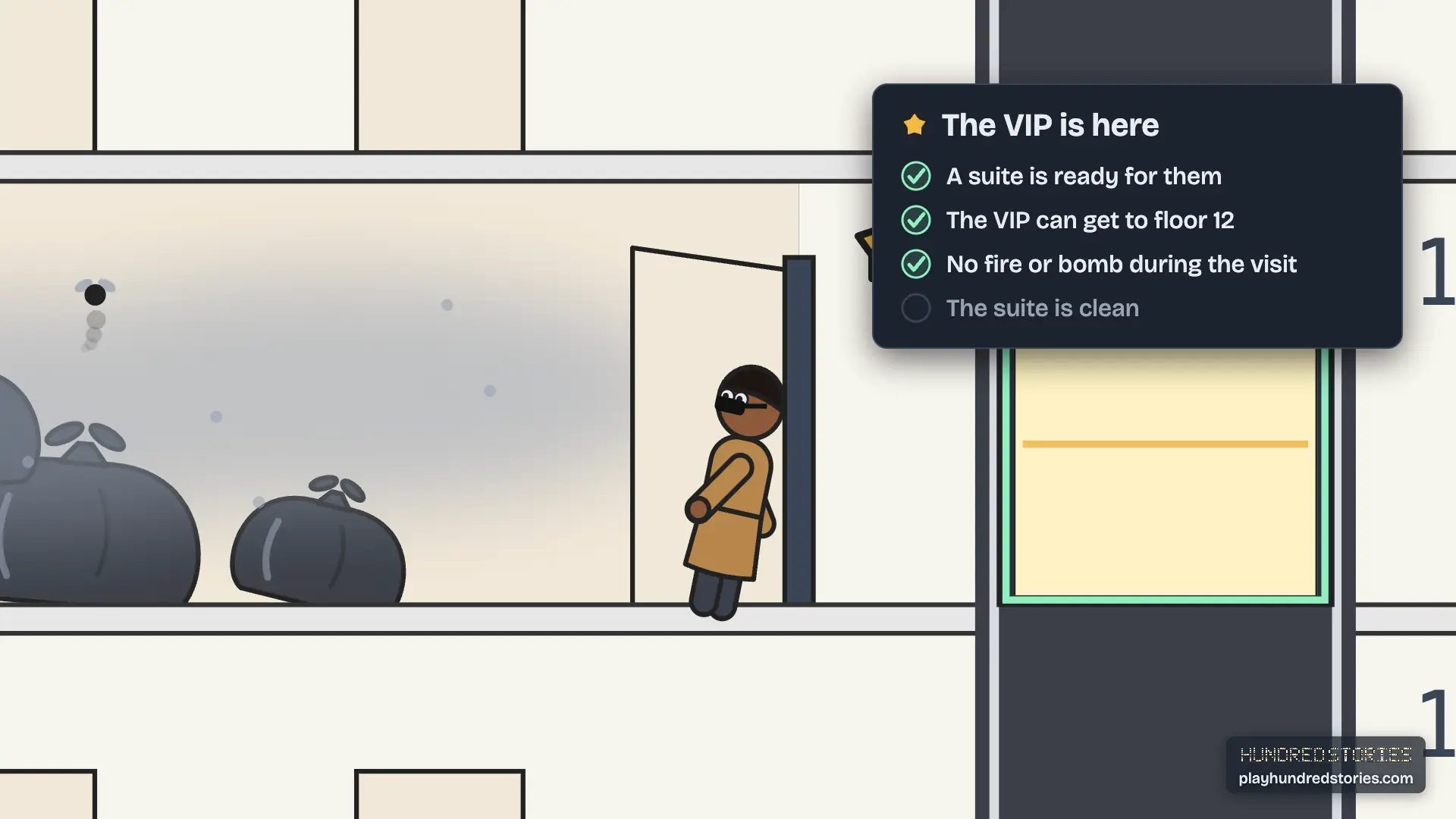
From three stars, a VIP (a very important guest) may book a visit. A card tells you a day ahead: who is coming, when, and which suite is theirs. Stories shows a checklist for the stay: a suite ready for them, the suite clean, an elevator that stops at the suite floor, and no fire or bomb in the tower.
 0:15
0:15
On the day, their car pulls up at the curb. They walk in on the hour and ride up to the suite. Their rating is the worst of three things: their longest wait for an elevator, how the suite looks, and whether a fire or bomb happened while they were there. Each VIP likes something, like a quiet floor, but every VIP is rated on the same three things. A VIP kept waiting half an hour goes home.
When they leave, a card shows the rating, the reasons and what it means for your stars. Stories keeps it after you close the card. Four stars needs a fair rating or better, and your best visit so far is the one that counts.
B10
Guards and the shop thief
A security office has six guards: half work the day shift and half work the night. While they are working, they walk a loop around the floors nearest the office. When they are off work, they wait in the office. When a fire or a bomb starts, the nearest working guard heads for it.
From three stars, a thief may walk in and head for the nearest shop, or a restaurant if there is no shop. They look like any other visitor until they get there. Then you hear about the theft, and the nearest working guard is sent. If a guard reaches the thief before they leave the floor, the guard stops them and nothing is lost. If the thief gets away, the tower loses $2,000 and the shop is left a mess.
B11
Waste and collection
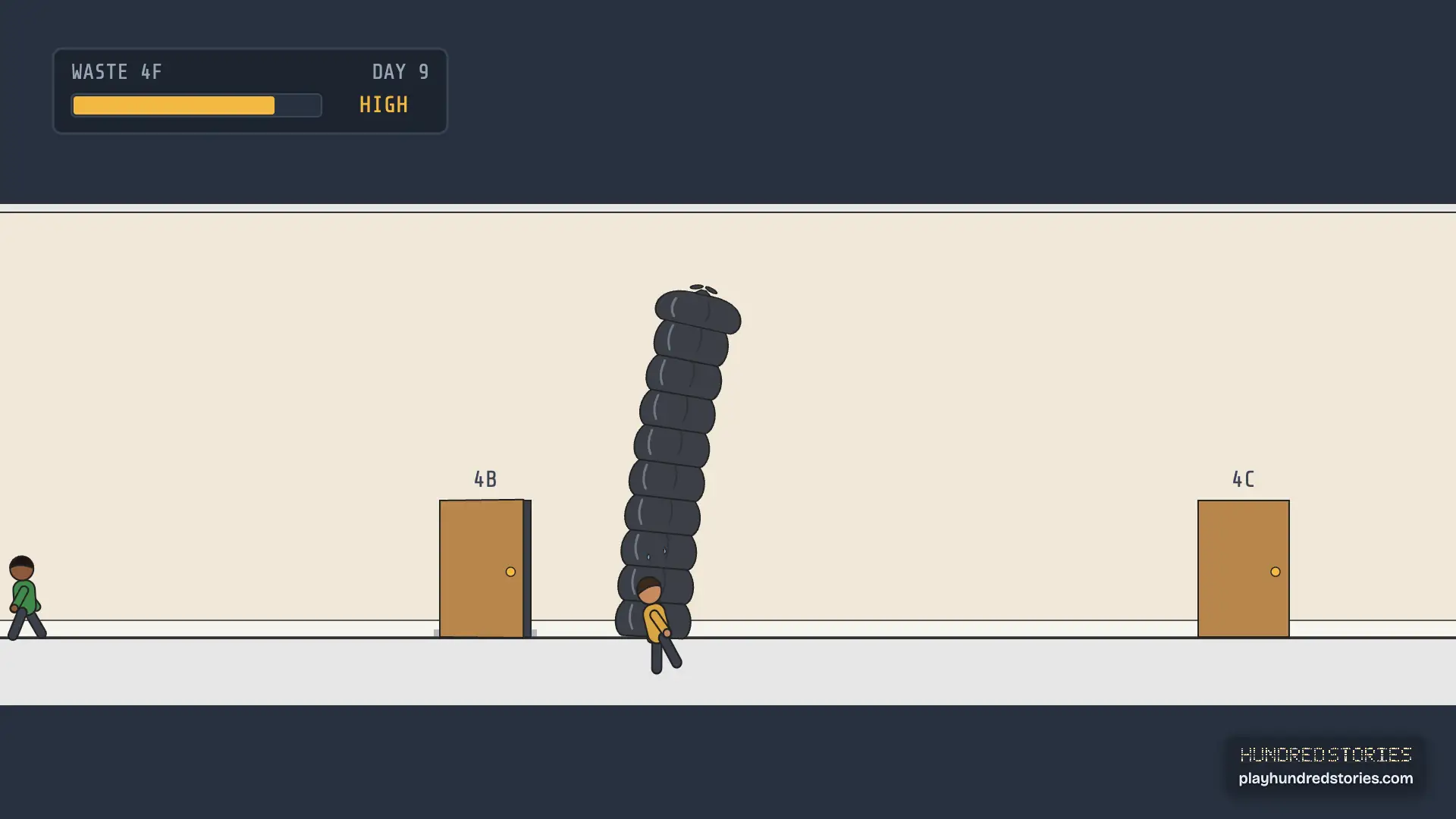
Once you build a recycling center, the rooms people use make waste: offices, condos, hotel rooms, shops, restaurants, fast food, cinemas, party halls and medical centers. Every morning at six, each room that was used gets a little more, and its panel shows how much.
 0:15
0:15
The center has collection workers, two at first and more as the tower grows. During the day they ride the elevators to the rooms with waste, pick it up and bring it back. They go to the rooms that have waited longest first. If a room has a lot of waste two mornings in a row, its waste is piling up, and the room counts as dirty until a worker empties it.
A big tower makes more waste than one center can carry. You can build up to eight recycling centers, and each one brings its own workers. If you tear down your last center, the waste keeps piling up and the rooms turn dirty until you build a new one.
The recycling center's panel shows how much waste the tower made today and how much was picked up, the rooms where waste is piling up, and any floors the workers cannot reach. Four stars needs a recycling center.
B12
Milestones and the chronicle
When the tower gets a new star, a note says what it unlocks and offers Stories so far: a short look back at the people and places that changed since the last star. It only uses what really happened in your tower. Stories, in the menu, opens the last one again.
At Tower status the game writes the tower chronicle, the story of your whole tower: the day each star was reached, the people you follow, who moved out, the VIP rating, the thefts, the times waste piled up, and the weddings. It stays in Stories, and Save as image keeps a copy on your device. Nothing is uploaded.
B13
Saving
Your tower saves by itself as you play. It saves in your own browser, so nothing leaves your device and there is nothing to sign in to.
The Menu button opens the menu and pauses the game. Save in the menu, or the round Save button under the top bar, saves your tower right away. In Settings, which is in the menu too, Go back to last save puts your tower back the way it was when it last saved.
Save to a file keeps a copy of your tower as a file. Open a tower file, right below it in Settings and on the Save and exit screen, brings it back later, here or on another computer. It opens as My tower. The game checks a file before it opens it. If the file is from somewhere else or is damaged, the game tells you why it cannot open it, and your tower stays exactly as it was.
New tower, in the menu in My tower, starts a brand new tower. It asks first, because it replaces My tower. In Today's tower or a friend's tower the same place in the menu reads My tower and takes you back to it.
Save and exit, last in the menu, saves your tower and then stops the game. When it says your tower is saved, you can close the game. Continue tower picks up right where you left off. If the save does not work, your tower stays open and the game asks what to do. Clips, also in the menu, plays the trailer and four short clips. They need a connection.
B14
Sound
Sound is off until you turn it on with the round speaker button under the top bar, or in Settings. Three sliders in Settings set the music, the sound effects and the background sound. The music grows with the tower, the sound effects play for events and stars, and the background sound follows the time of day and the weather.
B15
Controls
- Move around: drag with the mouse, even while you hold most build tools. The lobby and elevator tools use dragging to set their size, so while you hold one, move with the right mouse button, the scroll wheel, or the keys. Scroll the wheel to move up and down, and hold shift to move sideways. On a trackpad, scroll with two fingers to move the view.
- Zoom: hold ctrl and scroll, or pinch on a trackpad. Plus and minus keys also zoom.
- Keys: W A S D or the arrow keys move the view.
- Touch: one finger moves the view, pinch to zoom, tap to place, then tap Build. While you size a lobby or an elevator, drag with two fingers to move the view.
- Place a room: pick it from the build tools, then click where it goes. Click without moving to place it. Press and drag to move the view instead.
- Speed: , slows down one step and . speeds up one step (pause, 1x, 2x, 4x), and Space pauses and starts again.
- Tools: 1 to 7 pick a group of build tools, then the letter on a tile picks that tool.
- Escape puts down the tool you are holding. With nothing in hand, it opens the menu and pauses the game. In the menu, the arrow keys move, Enter picks, and Escape goes back to the game.
If you have turned on reduced motion on your device, the game follows it: the view stops as soon as you let go, and nothing drifts across the screen.